Custom Hosting and Domain Management Automation | Iran Tarah Project Case Study
The **Iran Tarah** automation system was designed and developed from scratch as a fully **custom solution**. Its goal is to simplify and automate customer management, host and domain sales, invoice generation, and service tracking. This project was implemented in-house by the Iran Tarah technical team, prioritizing top-tier security and a modular architecture.
The platform provides a professional dashboard for comprehensive management of **staff, customers, products, support tickets, content, and finances**. This automation not only optimizes internal company operations but also equips managers with powerful marketing tools like SMS messaging, discount codes, and campaign management.
🎨 The project's user interface (UI) was designed with a focus on simplicity and speed. During final development, we strictly adhered to principles of **technical SEO**, **data security**, and **fast loading speeds**.
🔧 **Technologies Used in Development:**
- **PHP 8.3:** High-performance server-side processing.
- **MYSQL:** A robust database for storing customer and service data.
- **JavaScript + jQuery:** Dynamic user interactions in the interface.
- **HTML5 + CSS3:** Responsive and standard-compliant structure.
- **Ajax:** Loads data without requiring a full page refresh.
- **JSON API:** Enables structured data exchange between different parts of the system.
🎯 **Key Modules of the Iran Tarah Automation System:**
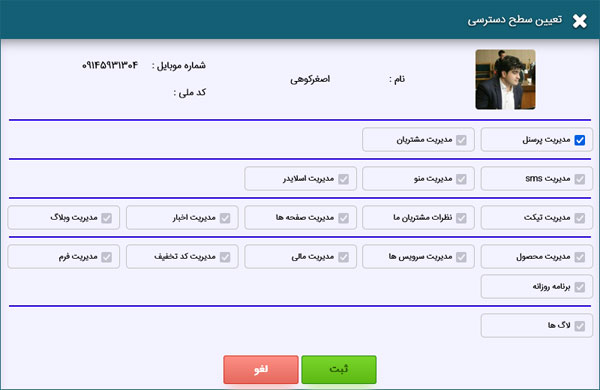
- Staff and access level management.
- Complete customer and service management.
- Dedicated service management module (for hosts, domains, etc.).
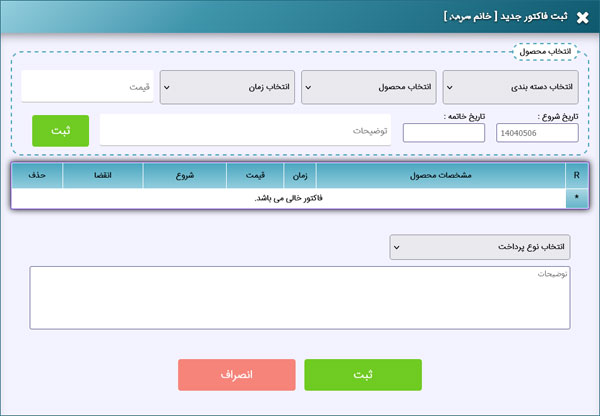
- Advanced financial system for invoice creation, payments, renewals, and upgrades.
- SMS management with detailed sending and receiving reports.
- Professional support and ticketing system.
- Blog, news, slider, and page builder modules for website content.
- Form management and user feedback collection.
- Detailed logging system for security and activity analysis.
- Daily schedule and staff task management.
- Discount codes and digital marketing tools.
📈 This project was developed with a modular approach, making it ready for expansion on a larger scale. The Iran Tarah automation is a perfect example of an integrated management system for companies in the IT, hosting, and domain registration sectors, designed for internal use and future growth.
📷 Gallery: Iran Tarah Automation System Environment
In this section, you can view images of the user and administration panels of the custom Iran Tarah automation system:
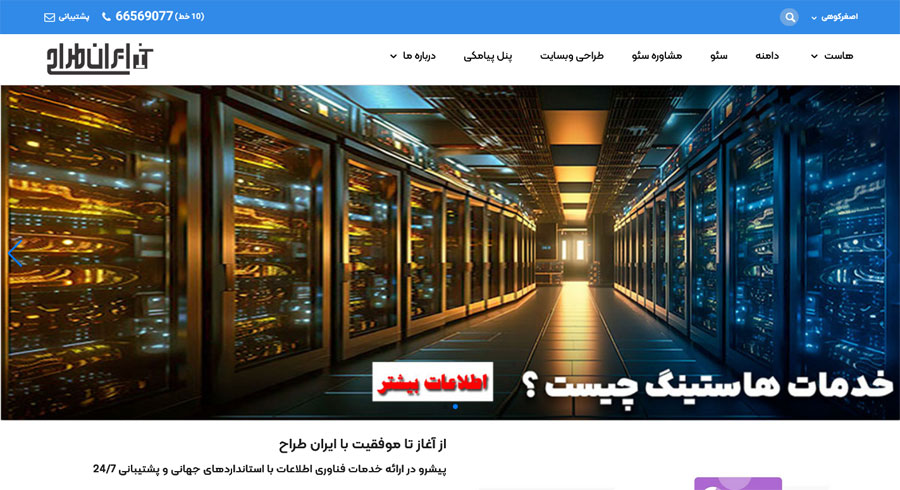
Iran Tarah Website Homepage
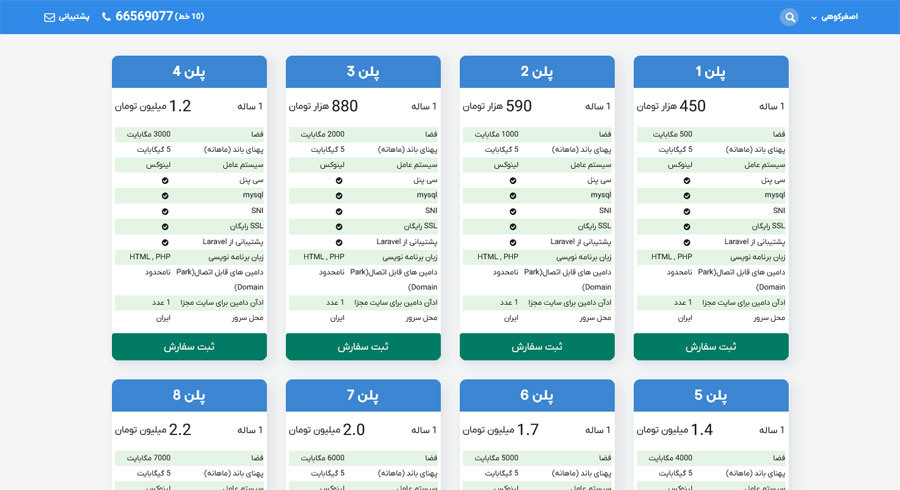
Hosting and Web Services Sales Page
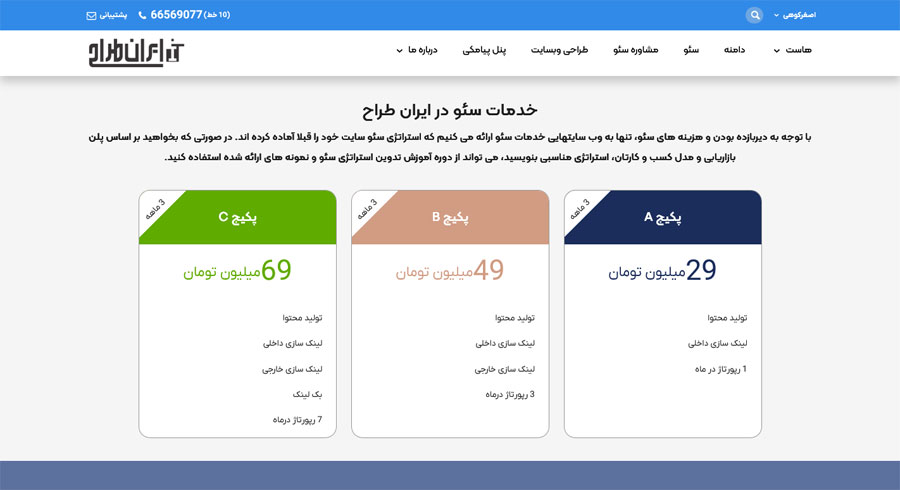
SEO Services Page at Iran Tarah
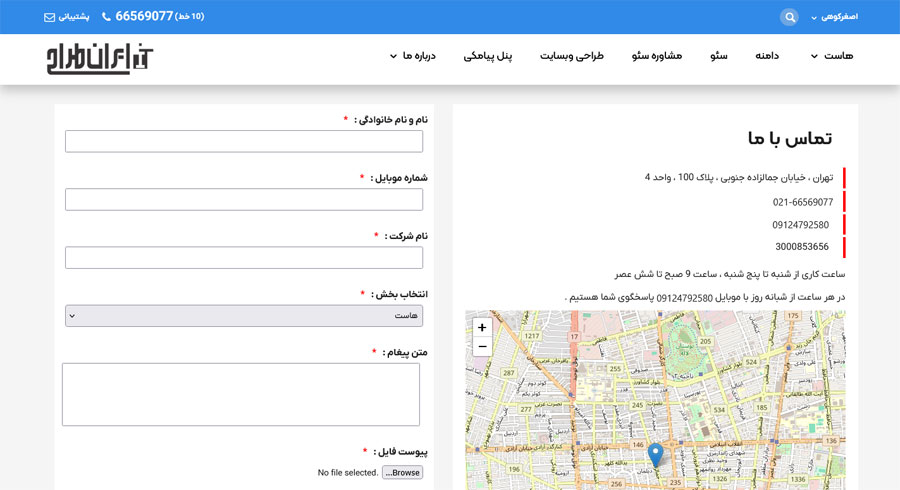
Iran Tarah's Contact Us Page
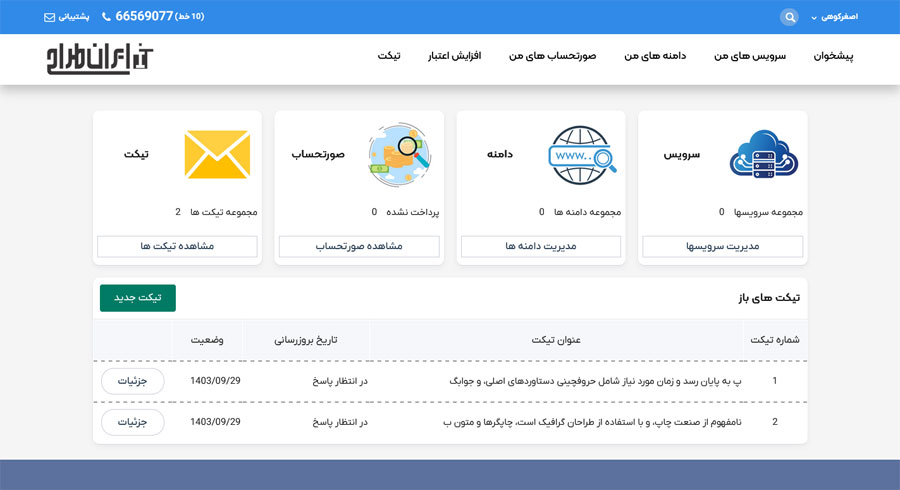
After logging in, this menu is available to the user for complete service management.
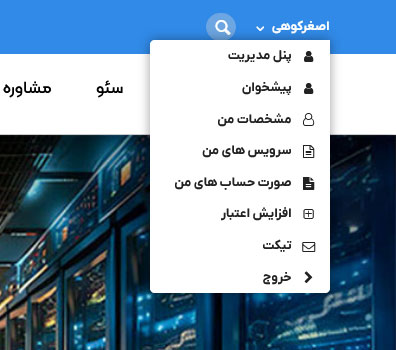
The **main dashboard of the user panel** provides the following features:
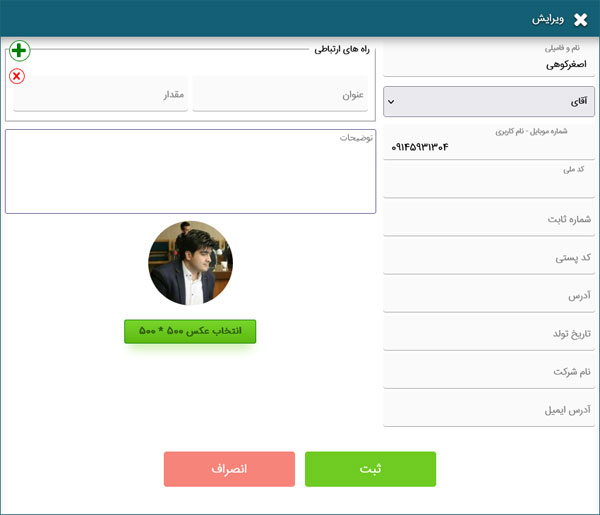
- **Profile View and Edit:** Allows users to complete and save their personal information.
- **My Services Panel:** Displays a complete list of all hosting, domains, and other services purchased from Iran Tarah.
- **My Invoices Panel:** Shows all invoices and pro-forma invoices.
- **Top-Up Account:** Allows users to charge their wallet for future purchases.
- **Support Tickets:** Enables users to submit support tickets to be answered promptly by the Iran Tarah support team.
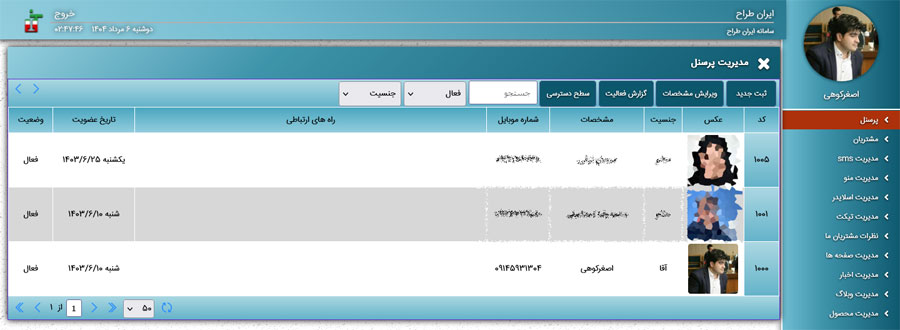
System Users Management Panel
Customer Management Panel
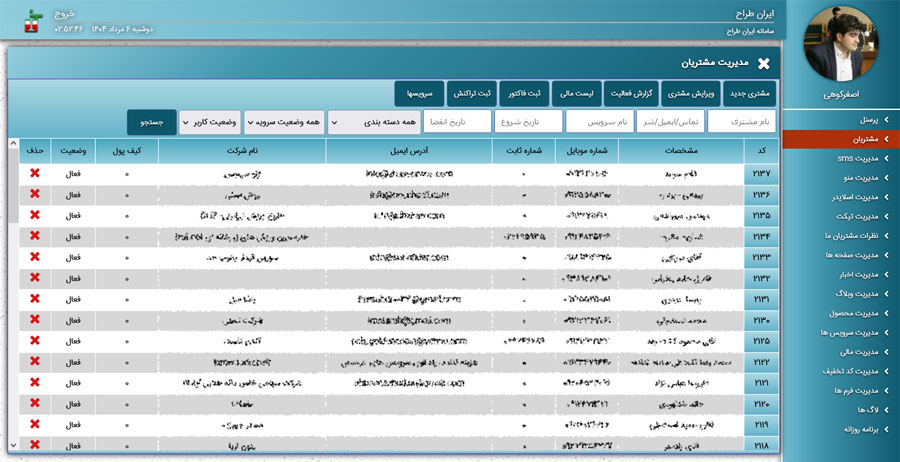
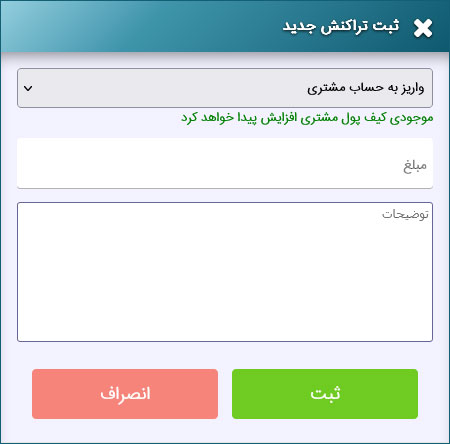
By selecting a customer, you can view their specific panels for editing, financial reports, creating invoices, registering transactions, and managing their services.
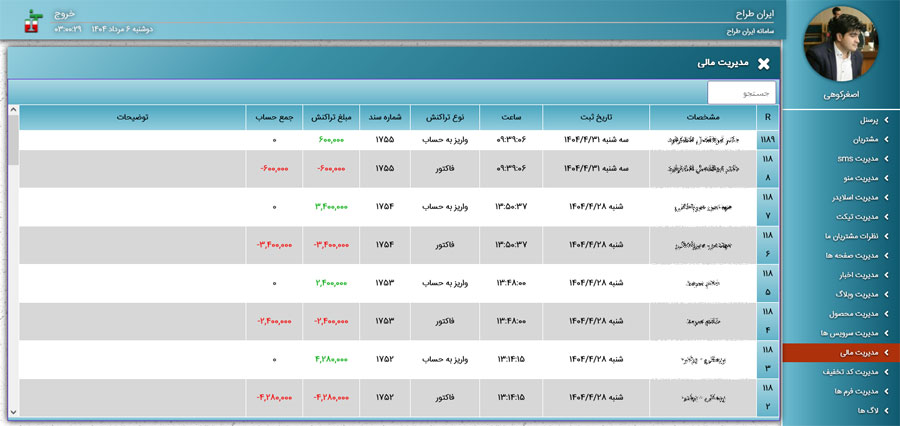
Iran Tarah Customer Financial List Panel
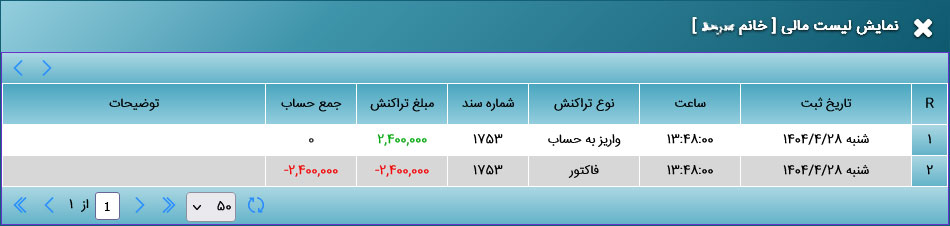
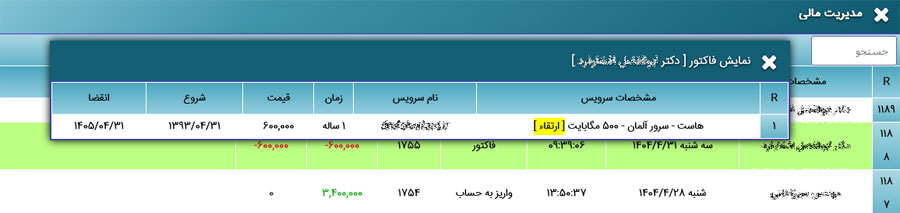
In the transaction list, clicking on a transaction (if it is an invoice) allows you to view the corresponding invoice.
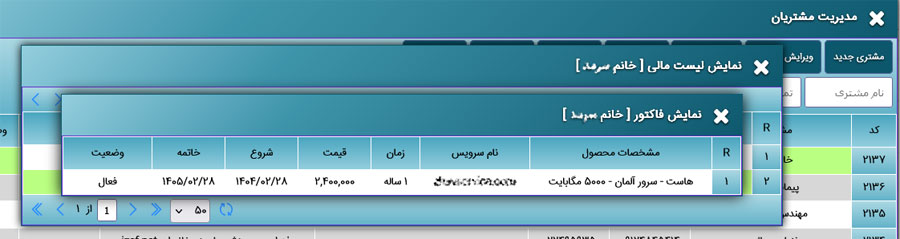
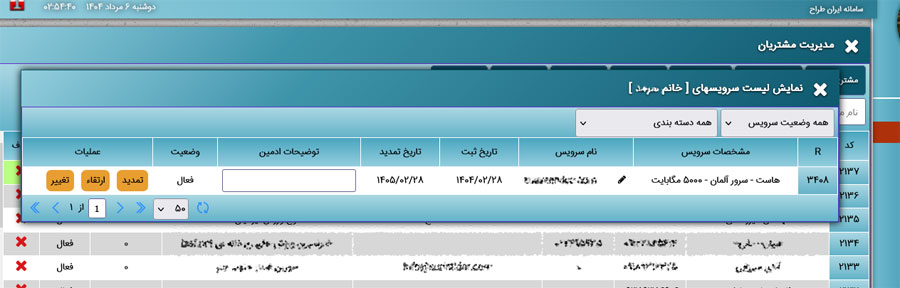
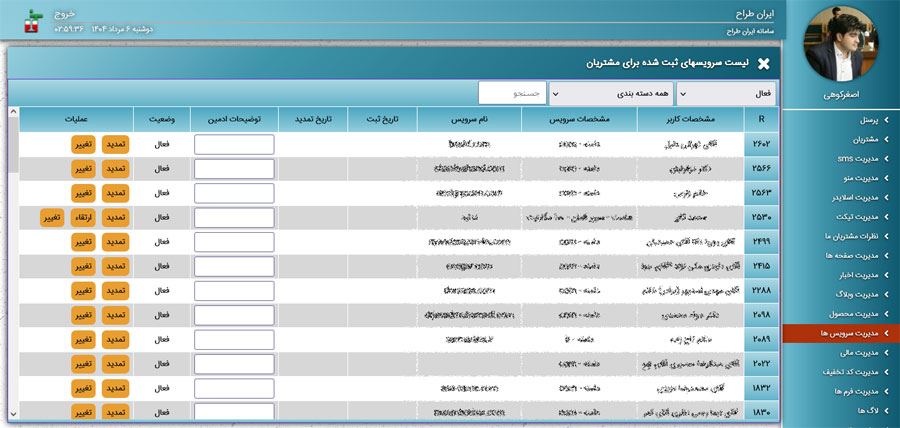
The **customer services list** includes features such as service renewal, upgrade, and status changes.
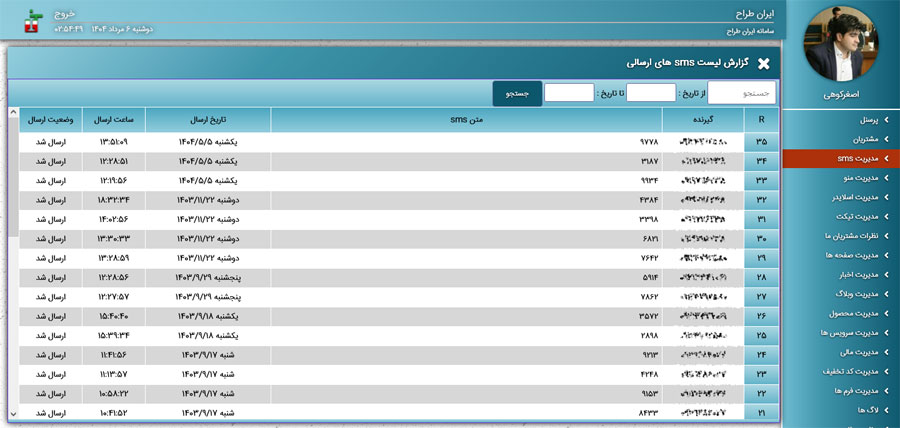
Panel for viewing SMS messages sent to customers and users
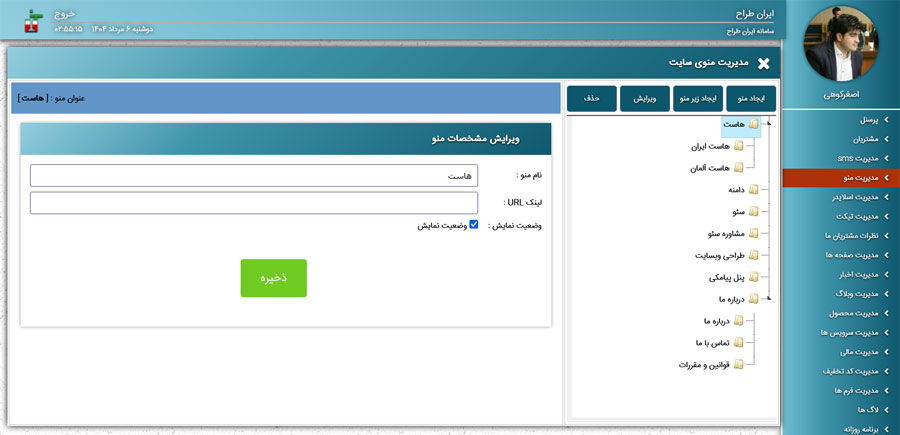
Main Website Menu Management Panel
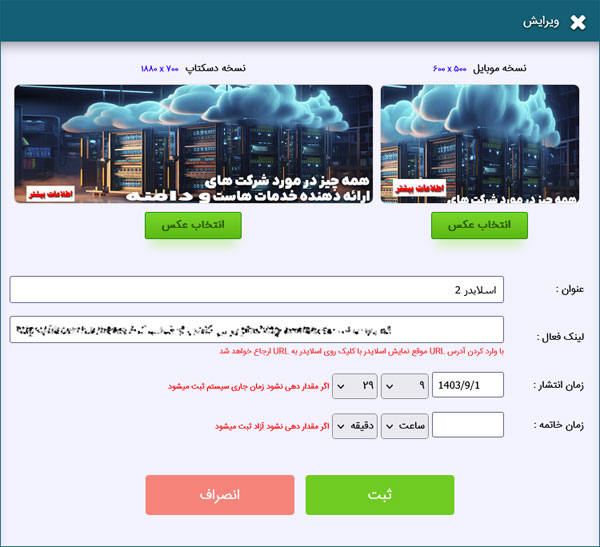
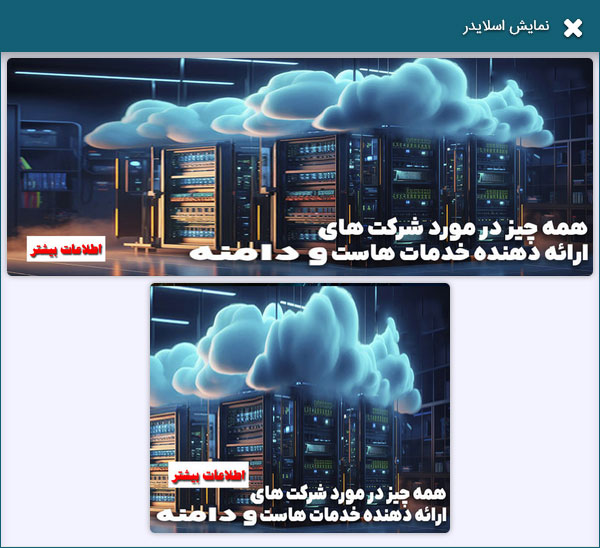
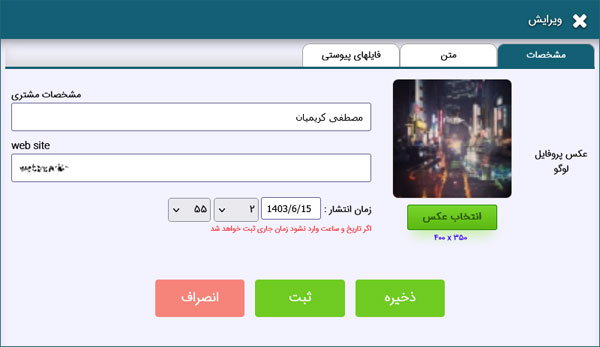
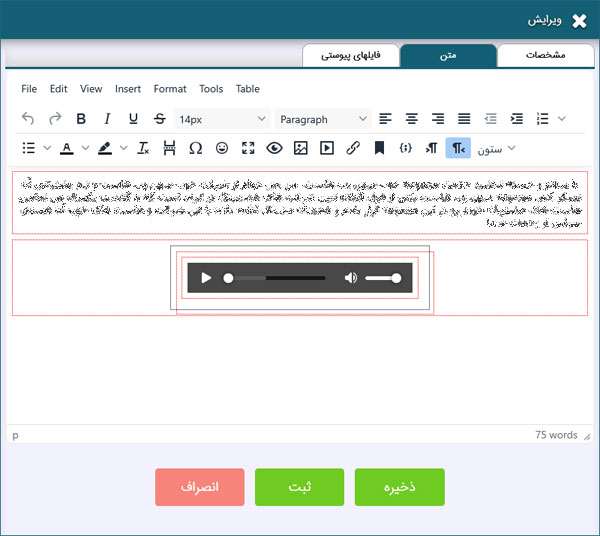
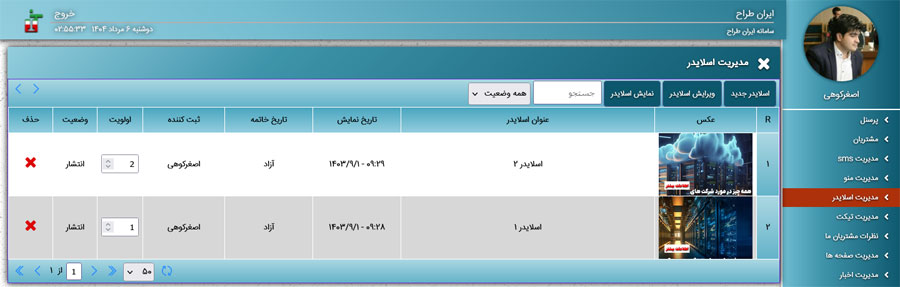
Iran Tarah Slider Management Panel
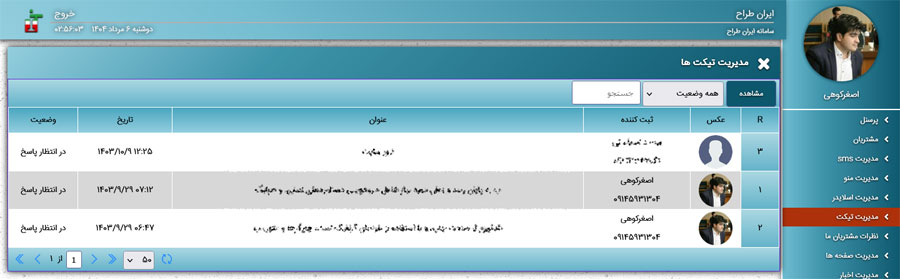
Support Ticket Management Panel
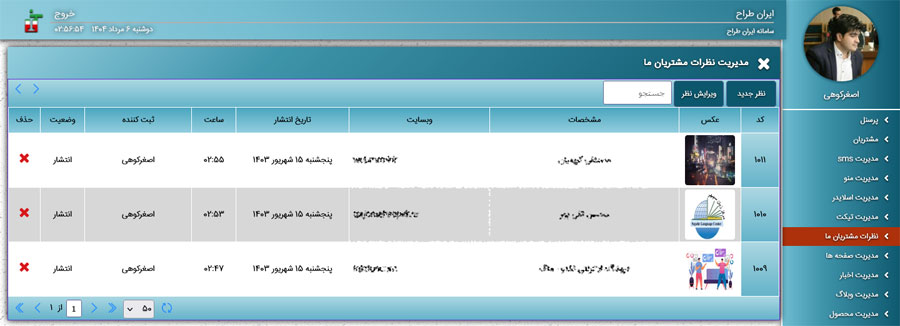
Customer Feedback and Review Management Panel
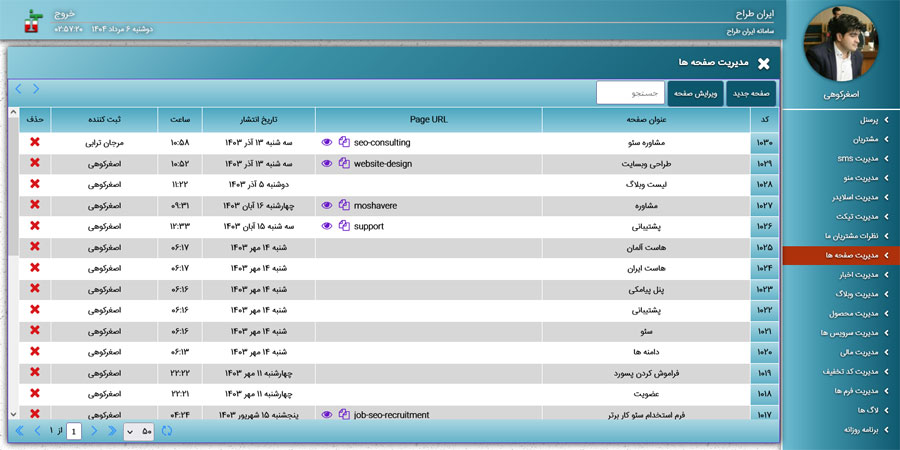
Static Website Pages Management Panel
Iran Tarah News Management Panel
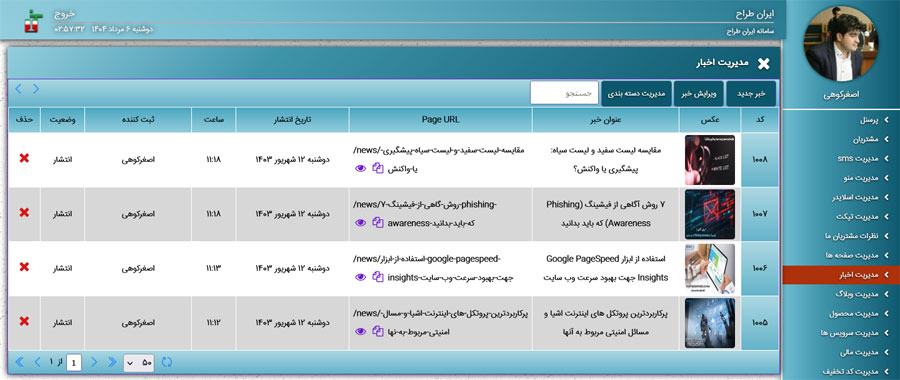
Iran Tarah Blog Management Panel
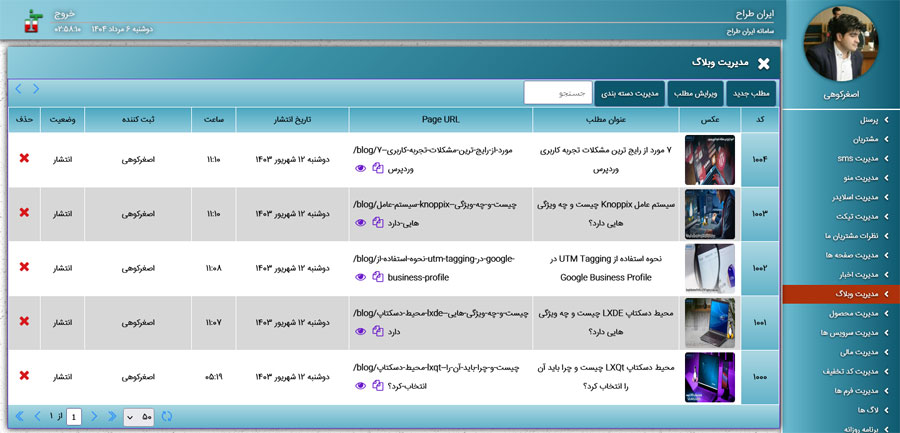
Product and Service Management Panel offered by Iran Tarah
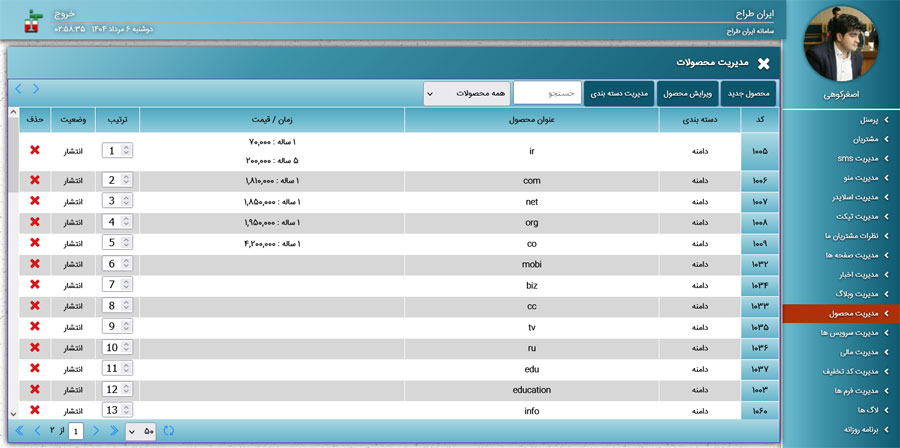
Panel for adding new products and services
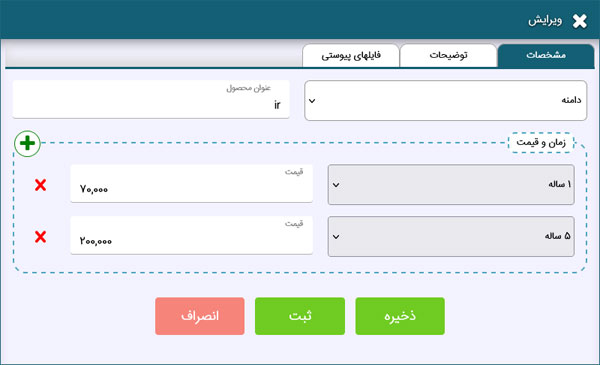
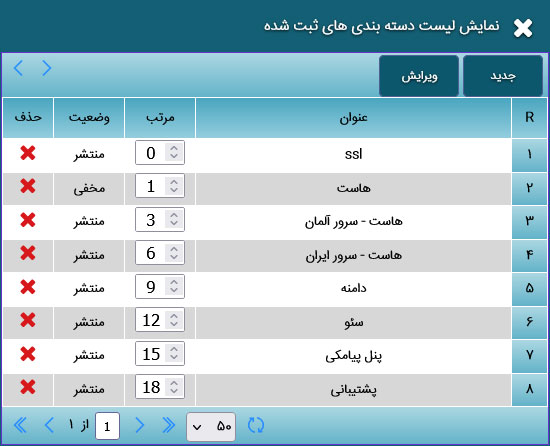
Panel for creating and managing product and service categories
Panel for managing the customer services list based on due dates. This panel also includes options to renew, change, and upgrade services.
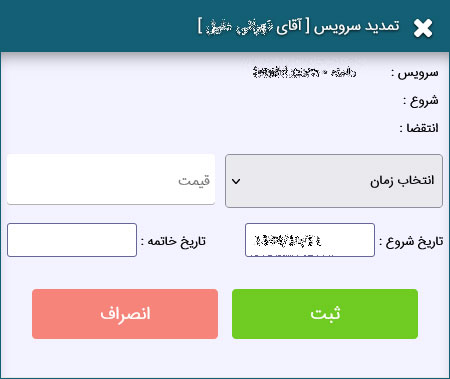
Customer Service Renewal Panel
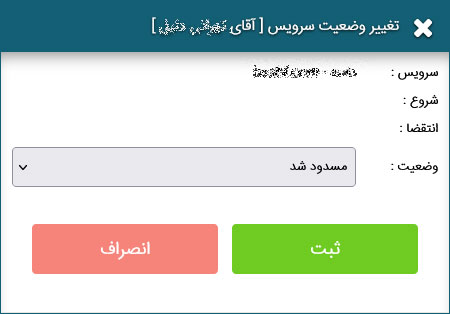
Customer Service Status Change Panel
Financial Management Panel and invoice list display. Clicking on a customer's details shows their profile, and clicking on an invoice displays its details.
An example of **viewing a customer's invoice**
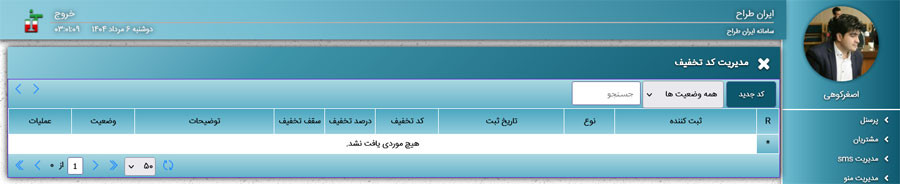
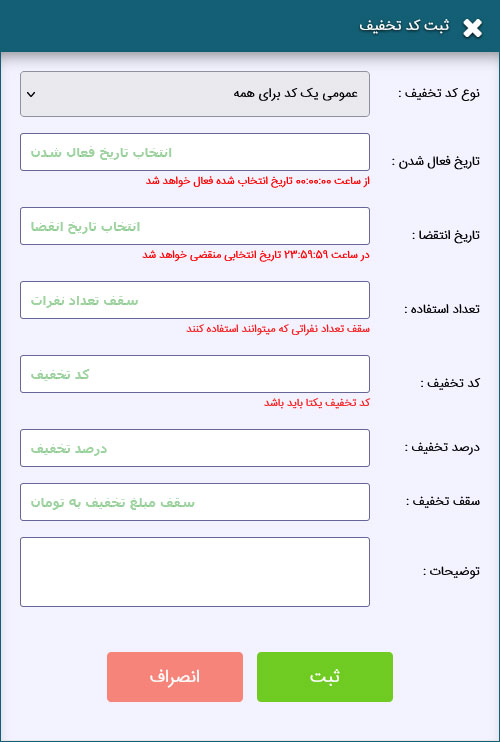
Discount Code Management Panel:
Single-Use Exclusive Discount Code Panel
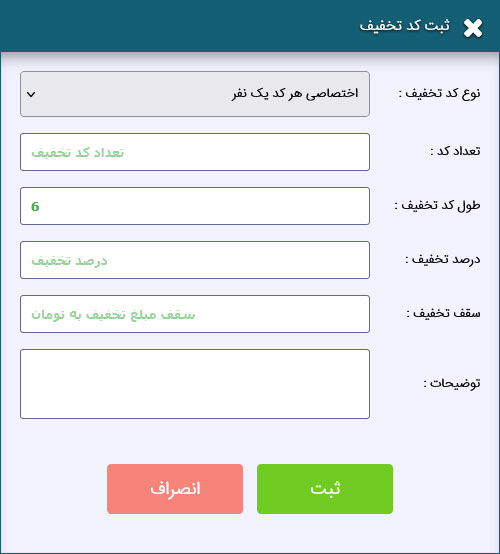
General Discount Code Panel with Usage Limit
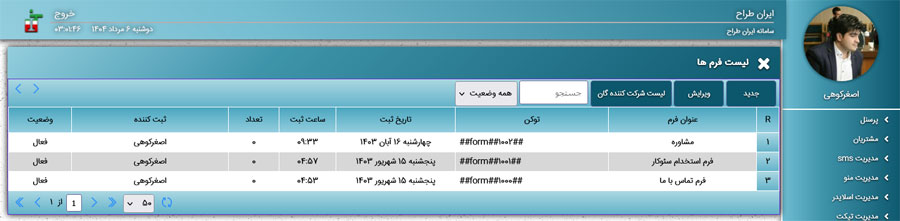
Information Form Management Panel
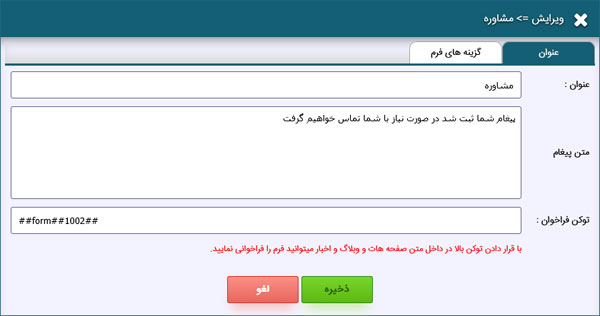
Form Specification and Token Registration Panel
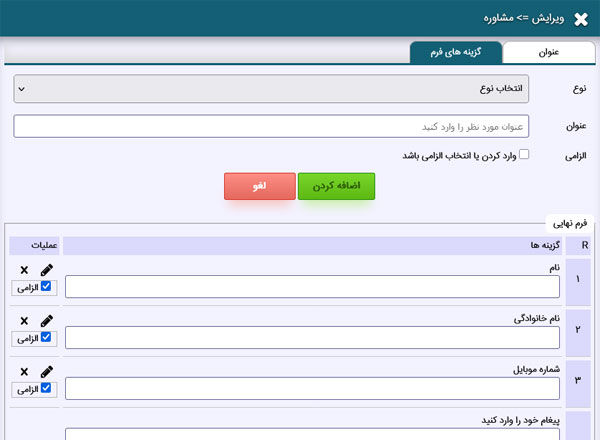
Form Field Management Panel. Here you can define various input fields for your forms.
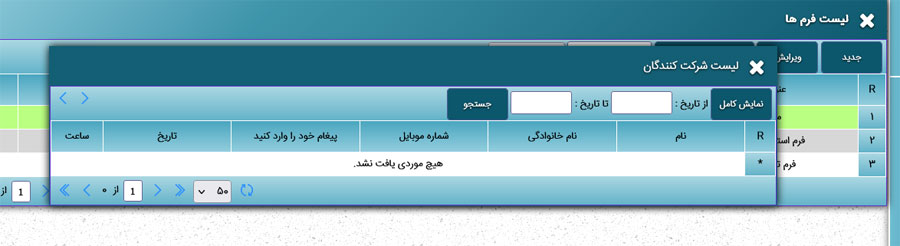
Panel for Viewing Users Who Have Completed Forms
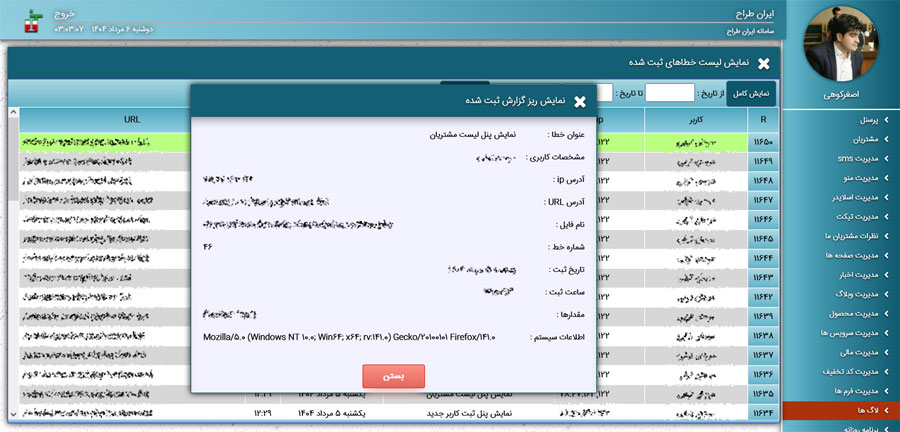
Log Management Panel and a record of all operations performed by each user